Review draft — configuration guide
Community Settings controls your community identity, access, categories, request types, maintenance guidance, and late payment policies. Configure settings for your own governing documents and responsibilities. Paradise Demo examples are illustrative. Payments is excluded.
Open Community Settings
1. Check the community selector at the bottom of the sidebar.
2. Open Dashboard.
3. Select Community settings beside the community name.
Set community identity
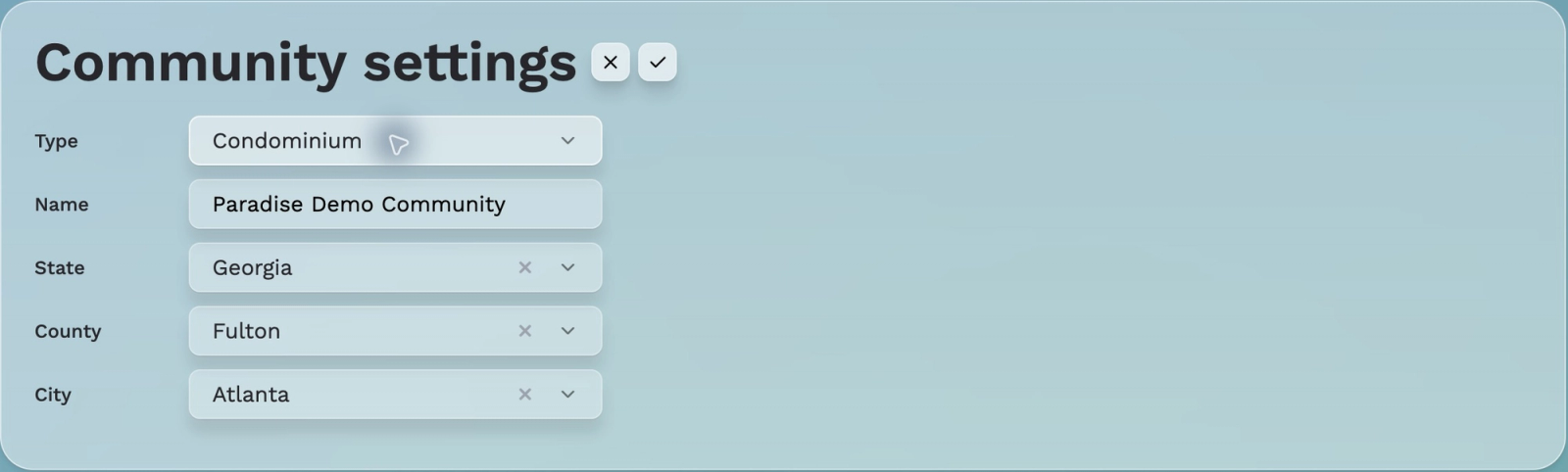
1. Select the pencil beside Community settings.
2. Choose Type: Homeowners Association or Condominium.
3. Enter Name, State, County, and City.
4. Save with the checkmark, or cancel with X.
A new community begins without populated reserve or budget data, according to the walkthrough; Paradise Demo is already populated.
Configuration boundaries
Creating a category does not create a calendar action item. Defining a violation type does not send a violation. Defining an exterior change request type does not submit a request. Separate guides will document those actual workflows.
Review status
Identity fields and exact Type options were verified. Other sections are separate articles under Custom Community Settings.